Interactive Video Segmentation Player
Designing an AI-powered video player that makes long videos easier to understand, navigate, and control
Role
UX/UI Designer & Frontend Developer
Industry
AI Media Technology
Duration
3 months
Project Overview
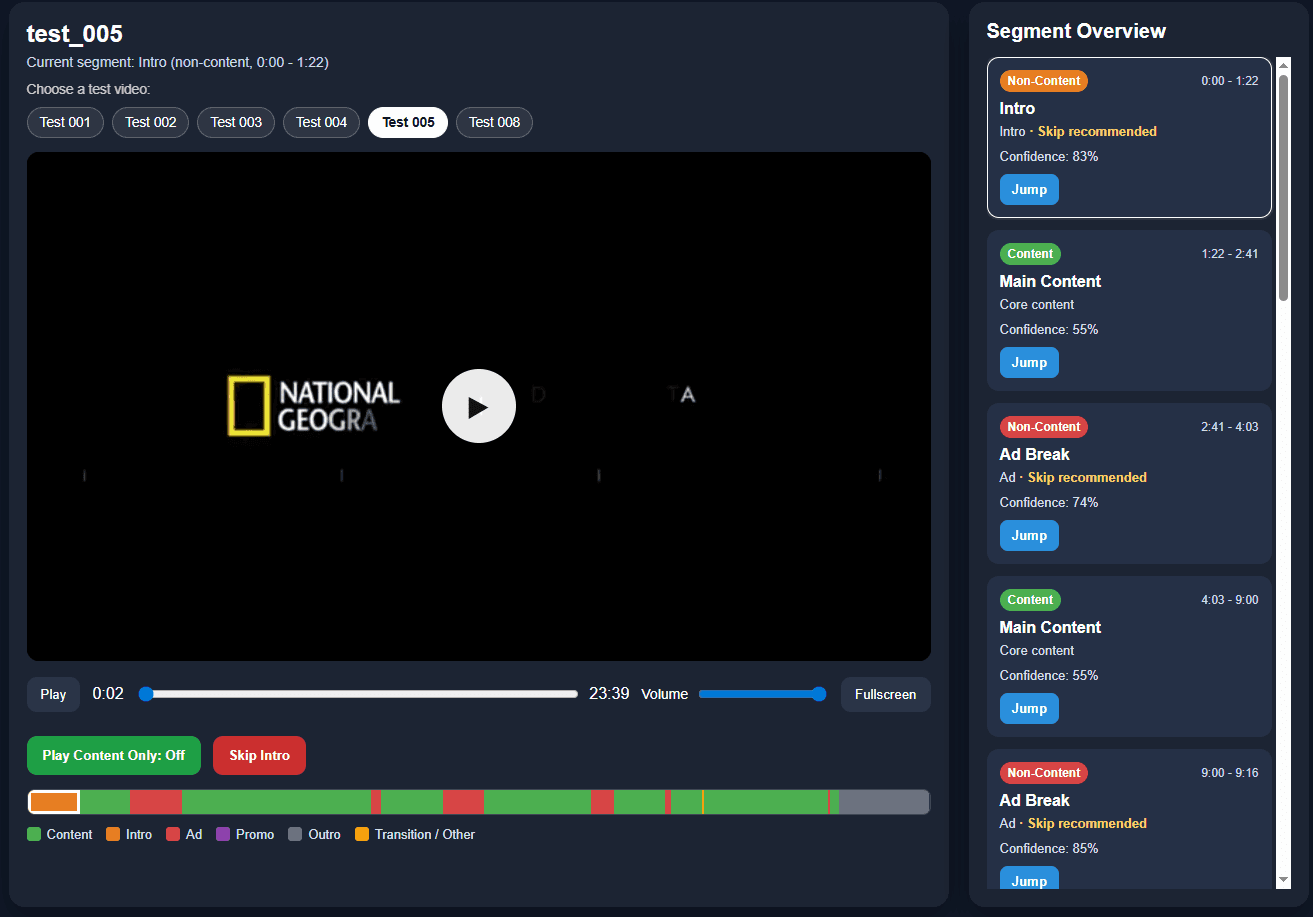
Long videos often include content, intros, ads, transitions, and outros. While our backend pipeline could classify these segments, the results existed mainly as timestamps and labels.
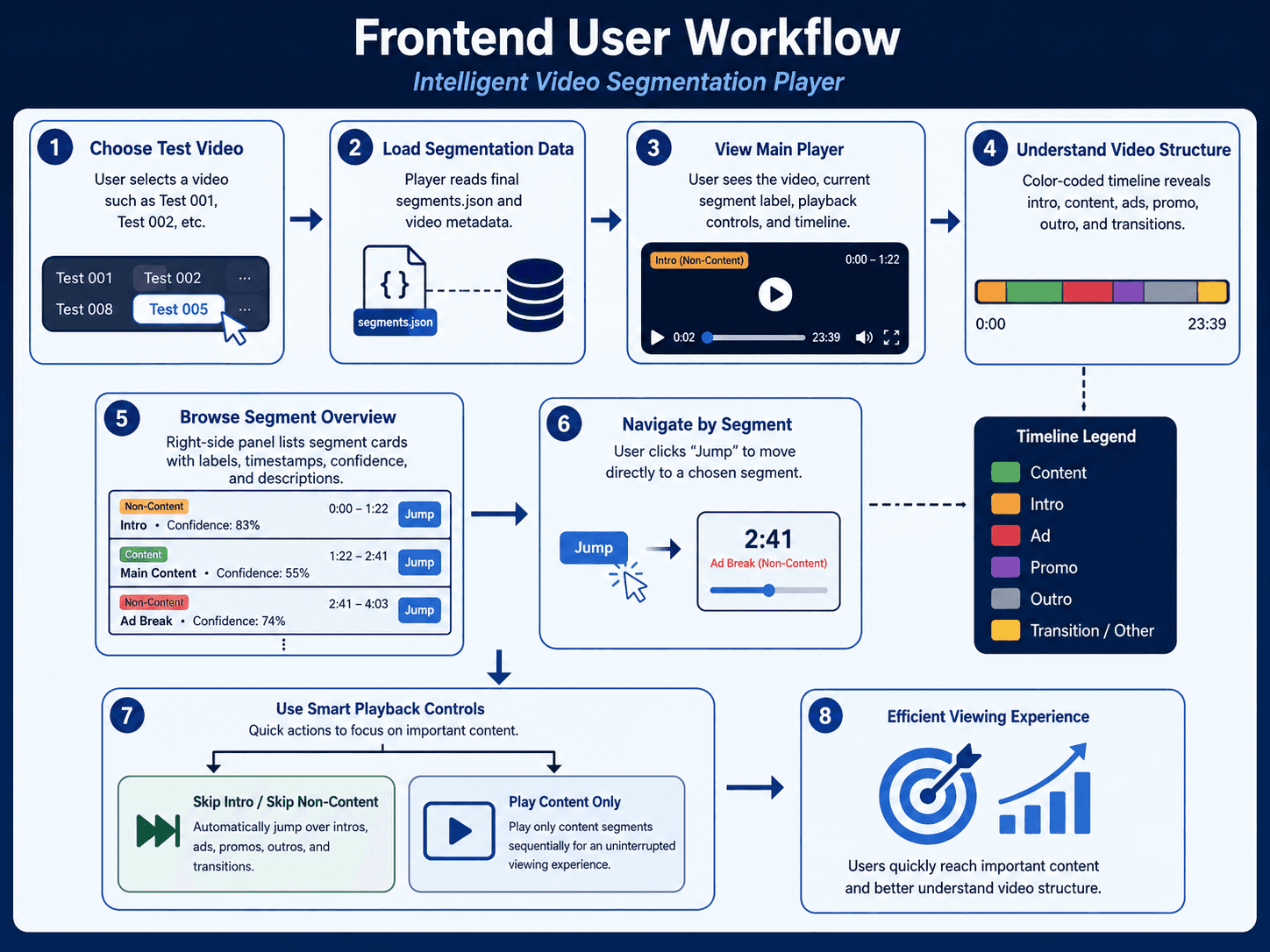
I designed and implemented an interactive video player that turns semantic segmentation data into a color-coded timeline, clickable segment navigation, active segment feedback, and AI-assisted playback controls. The goal was to help users scan, navigate, and control long videos more easily.
The Design Challenge
The system could understand the video structure, but users needed a clear way to use that information during playback.
The core challenge was:
How might we transform AI-generated segmentation data into an intuitive video experience that helps users understand, navigate, and control long videos?
This meant designing beyond data display — making the video structure visible, actions predictable, and AI assistance easy to control.
Stage 1. Understanding the AI Output
Initiated the project by reviewing the backend segmentation output and identifying how raw timestamps, labels, and content classifications could be translated into meaningful user interactions. This analysis revealed a key UX gap: while the system could detect intros, ads, transitions, content, and outros, users still needed a clear way to understand the video structure and act on the results without reading technical data.
Stage 2. Defining the UX Strategy
Formulated a design strategy focused on making AI-generated video analysis visible, navigable, and user-controlled. Prioritized a color-coded timeline for quick structure recognition, a segment list for direct navigation, and playback modes that allow users to skip non-content while staying in control. This strategy guided the interface toward clarity, transparency, and practical usefulness rather than simply displaying model output.
Stage 3. Designing the Interface and Interaction Model
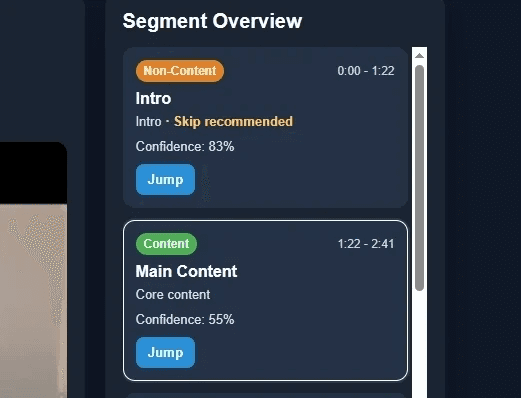
Interaction Design: Designed the core video navigation flow around the relationship between the player, semantic timeline, and segment list. Emphasized a more intuitive viewing experience where users could scan the video structure, understand the current segment, and jump directly to meaningful sections.
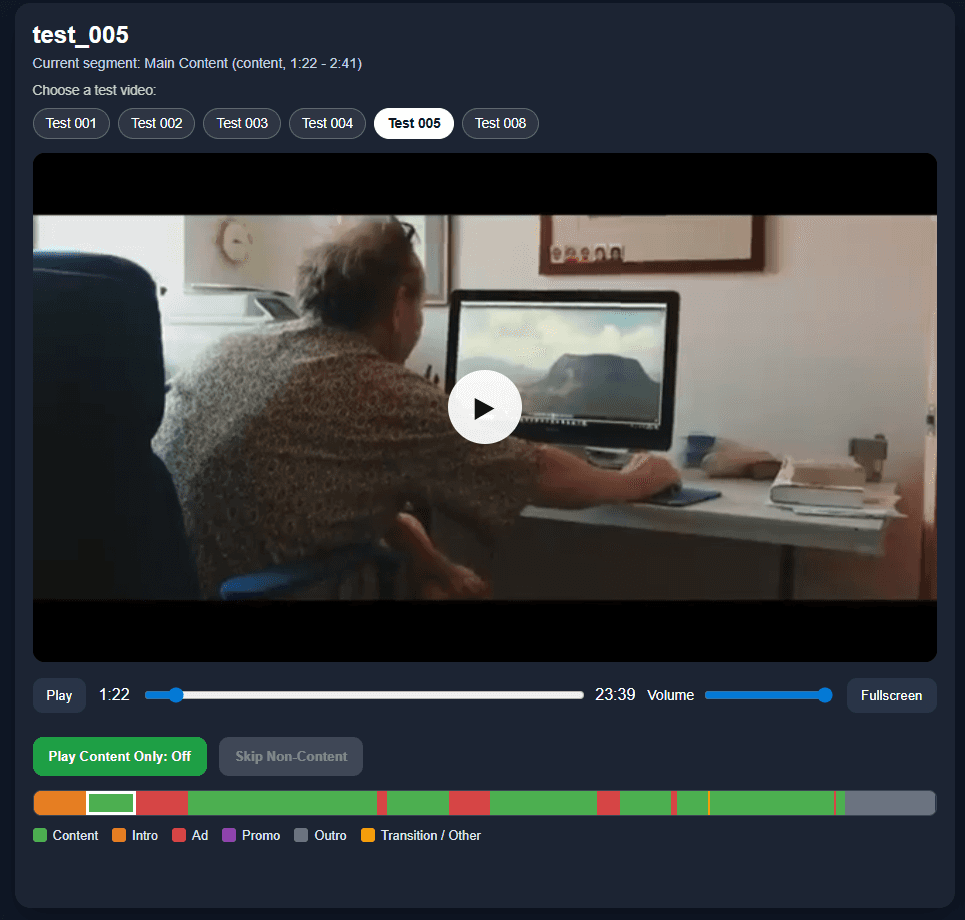
Frontend Prototyping: Implemented the interactive prototype using HTML, CSS, and JavaScript. Mapped segment timestamps to the visual timeline, connected segment clicks to video playback, and updated the active segment state as the video played.
User Interface Design: Created a clean interface that organizes complex segmentation data into a readable visual system. The timeline, labels, active states, and playback controls were designed to make the AI output feel understandable, actionable, and easy to navigate.
Stage 4. Frontend Prototype and System Integration
Tested the player with multiple processed sample videos to evaluate whether the interface accurately reflected the segmentation data and supported a clear viewing flow. This phase helped identify areas where users might lose orientation, such as unclear active states or weak visual hierarchy between the video, timeline, and segment list. Iterative refinements were made to improve readability, playback feedback, and the overall connection between AI-generated segments and user actions.
Stage 5. Evaluation and Iteration
Collaborated closely with teammates working on video analysis, audio processing, and system integration to ensure the frontend aligned with the backend pipeline. Supported the transition from segmentation data to an interactive interface by handling timestamp mapping, segment rendering, jump navigation, skip behavior, content-only playback logic, and multi-video testing. This helped turn the system from a technical AI pipeline into a usable product experience.
Outcomes
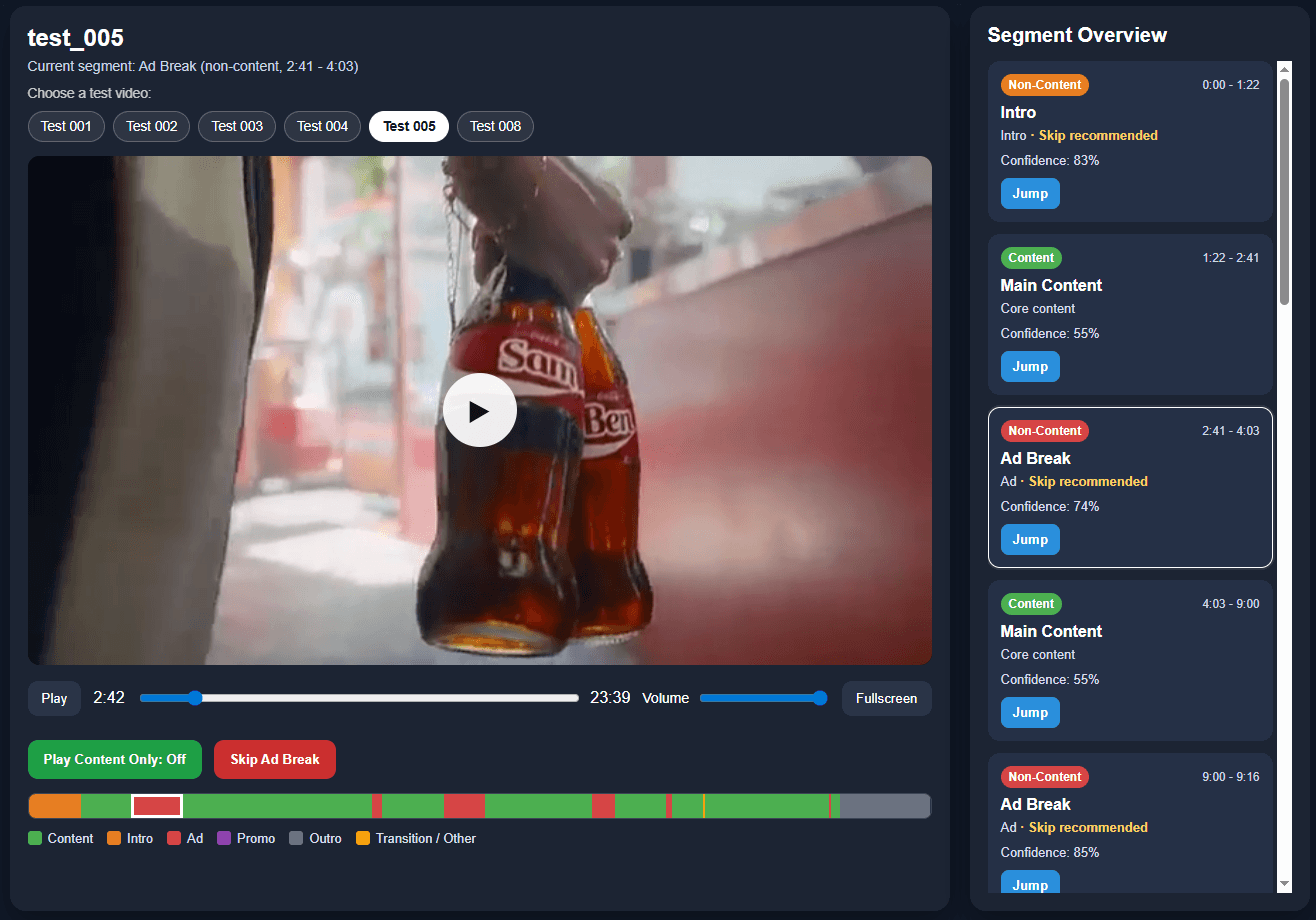
The final player transformed raw semantic segmentation output into a clear and interactive video experience. Users could understand the structure of a long video at a glance, navigate directly to meaningful sections, identify the current segment, and choose whether to skip non-content. The project strengthened my ability to design at the intersection of AI systems, UX strategy, and frontend implementation, while reinforcing the importance of turning technical outputs into experiences that people can understand and control.
Reflection
This project helped me grow as a UX designer who can work across both design and technical implementation.
My biggest takeaway was that AI output should not simply be displayed. It needs to be translated into interaction patterns that support user goals, decision-making, and control.
For future iterations, I would explore adding confidence indicators, user-adjustable segment labels, search within segments, and a comparison view for different segmentation results.
Other projects
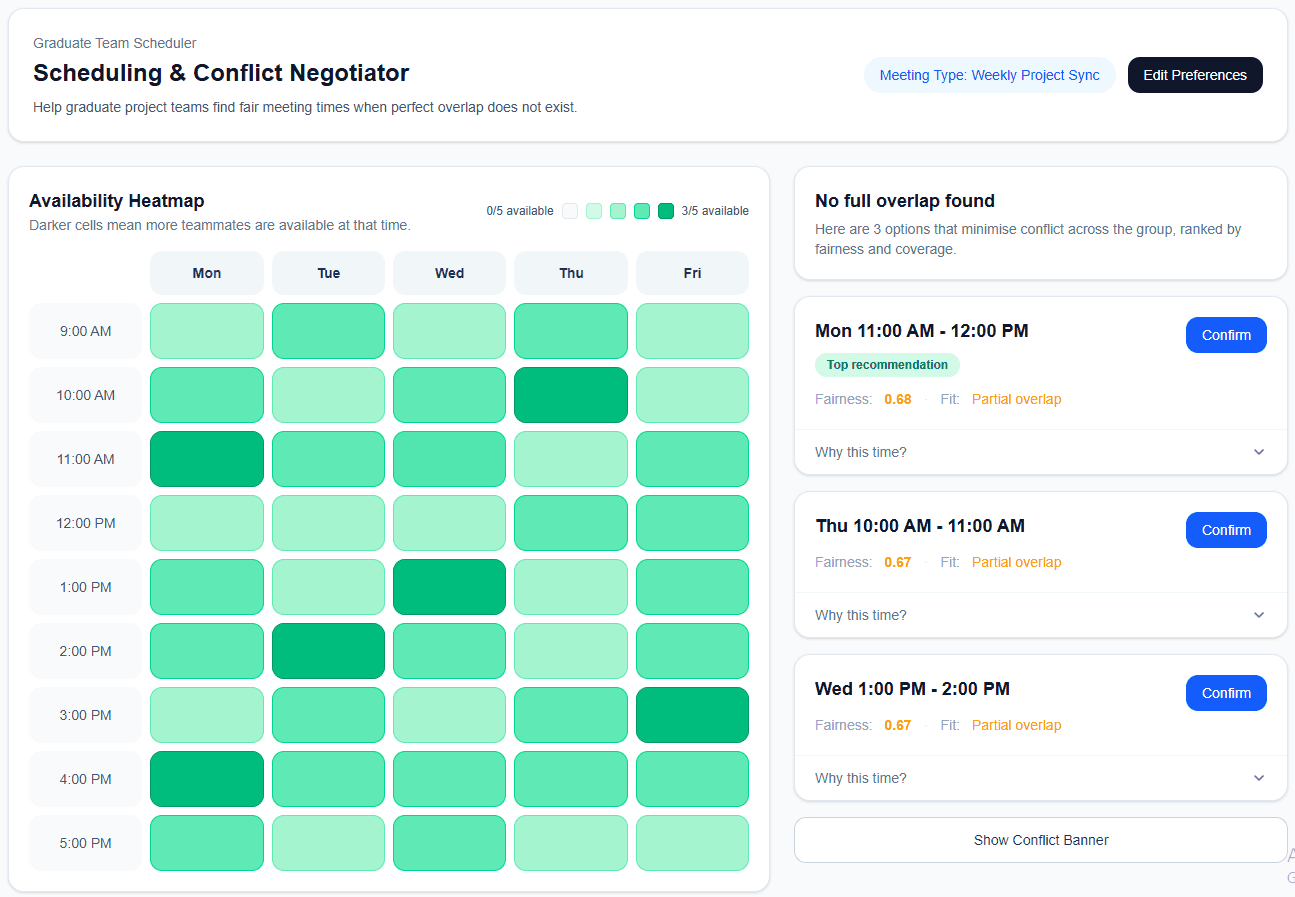
Explainable Meeting Scheduler
Designing a transparent scheduling tool that helps graduate teams find fairer meeting times with less back-and-forth.
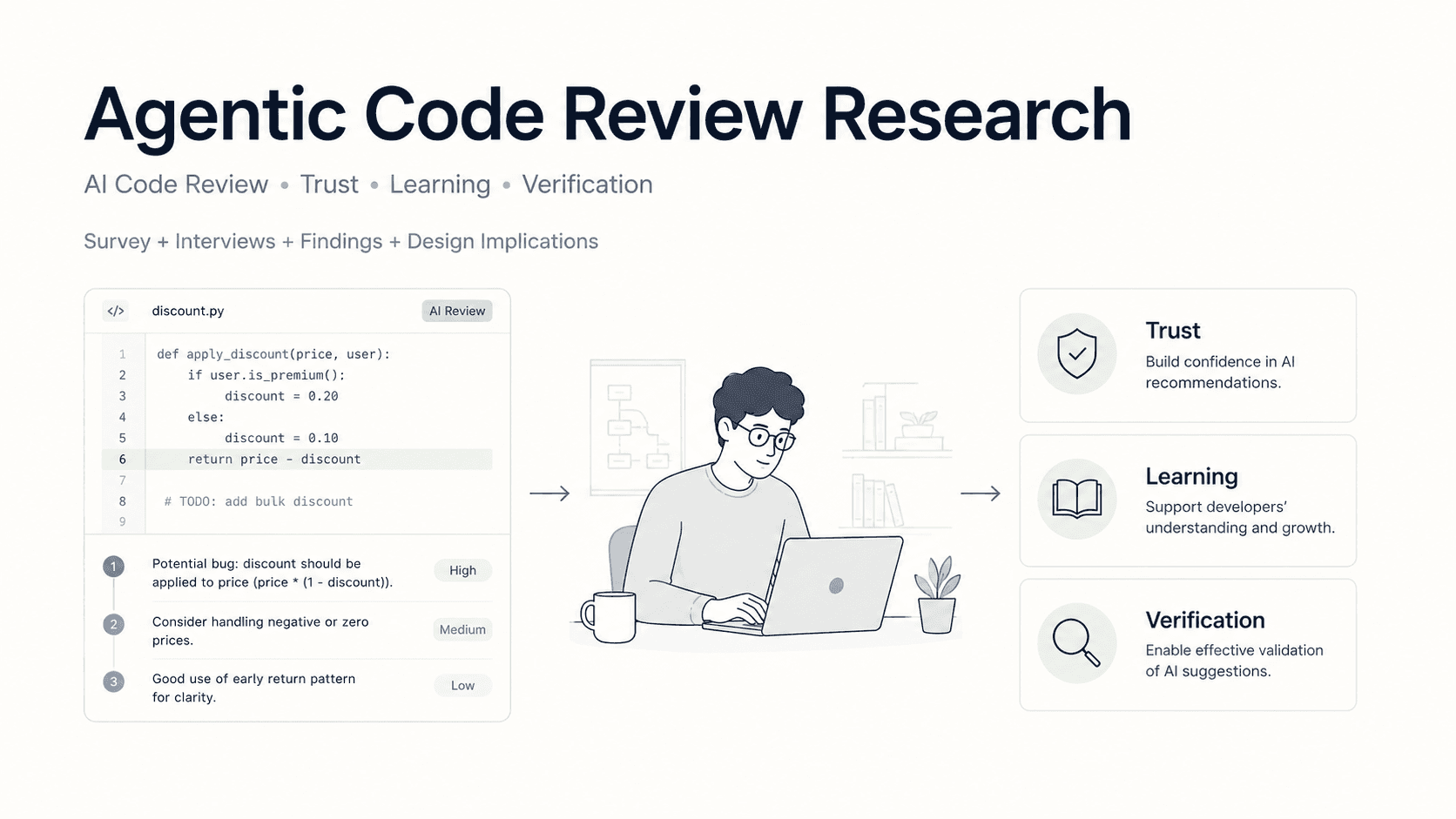
Agentic Code Review Research
Studying how junior developers understand, trust, and verify AI-generated code review feedback.
Responsive Event Search Web App
Designed and developed a responsive event search experience with structured filters, dynamic results, event detail views, and expandable venue information.