Responsive Event Search Web App
Designed and developed a responsive event search experience with structured filters, dynamic results, event detail views, and expandable venue information.
Role
UX/UI Designer & Frontend Developer
Industry
Entertainment Technology
Duration
4 months
Project Overview
Event search can become overwhelming when users need to filter, compare, and explore results across keywords, categories, locations, distances, and venues. A search tool needs to provide enough flexibility while still keeping the experience simple and easy to scan.
I designed and developed a responsive event search web application that helps users move from structured search inputs to event results, detailed event information, and expandable venue details. The goal was to create a smooth and predictable search-to-detail flow.
The Design Challenge
The application needed to support multiple search criteria without making the interface feel cluttered or confusing.
The core challenge was:
How might we help users search, compare, and explore events with multiple filters while keeping the experience clear and easy to navigate?
This meant designing beyond a basic search form. The interface needed to guide users through the full journey: entering search criteria, browsing results, selecting an event, and viewing additional venue information only when needed.
Stage 1. Mapping the Search Flow
I began by mapping the user journey from entering search criteria to reviewing event details. This helped define the core flow of the application: search, browse results, select an event, view details, and expand venue information.
This stage clarified where users needed the most support. The search form needed to feel structured, the results needed to be easy to compare, and the event detail view needed to provide more information without overwhelming the page.
Stage 2. Interface Strategy
I shaped the design around three priorities: structure, scannability, and progressive disclosure.
The search form was designed to organize multiple inputs clearly. The results table helped users compare events quickly. The event detail card separated selected event information from the full results list, while the expandable venue section allowed users to access extra details only when needed.
This strategy helped the app feel complete without making the interface visually heavy.
Stage 3. Prototype Development
Search Interface Design: Designed the search form around key event discovery inputs, including keyword, category, distance, and location. The layout emphasized clear grouping and spacing so users could understand the search options quickly.
Results and Detail Flow: Created a dynamic results table to help users scan event names, dates, venues, and categories. When users selected an event, the detail card provided a more focused view without losing the context of the search experience.
UI Refinement: Improved the visual hierarchy through spacing, section organization, button states, and expandable venue details. The interface was designed to feel simple, clean, and predictable across the full search-to-detail journey.
Stage 4. Evaluation and Refinement
I evaluated the application by walking through the main user flow: entering search criteria, reviewing results, selecting an event, and expanding venue details.
This phase helped identify areas where the interface needed stronger hierarchy, clearer feedback, or better spacing. I refined the result layout, detail card organization, button states, and responsive behavior to make the experience easier to follow.
Stage 5. Frontend Implementation
I implemented the application using HTML, CSS, and JavaScript, connecting the interface to API-based event data.
The final build included a responsive search form, dynamic results table, selected event detail view, expandable venue section, and interactive UI states. This helped turn the design into a working web application that responds to user input and supports a complete event discovery flow.
Outcomes
The final application allows users to search with multiple criteria, compare event results quickly, view selected event details, and access venue information when needed.
This project strengthened my ability to design and build practical user-facing interfaces, especially around search experience, information hierarchy, responsive layout, and frontend interaction design.
Reflection
This project helped me understand how much usability depends on structure and clarity. Even when the functionality is straightforward, users need clear grouping, predictable flow, and strong visual hierarchy to feel guided.
My biggest takeaway was that a practical interface does not need to be visually complicated to be effective. A clean layout, organized content, and thoughtful interaction states can make the experience feel much smoother.
For future iterations, I would explore saved searches, event comparison, map-based browsing, and personalized event recommendations.
Other projects
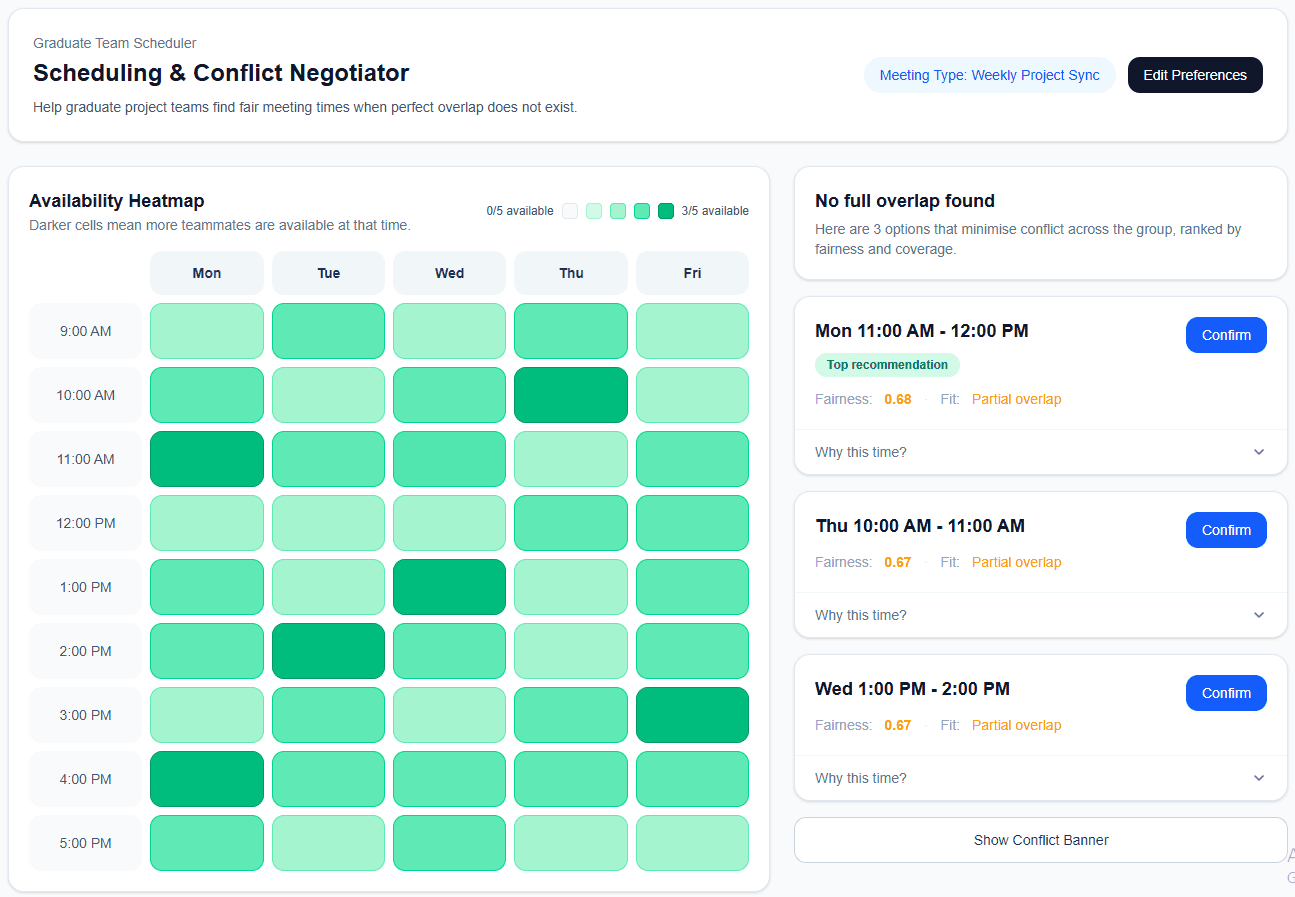
Explainable Meeting Scheduler
Designing a transparent scheduling tool that helps graduate teams find fairer meeting times with less back-and-forth.
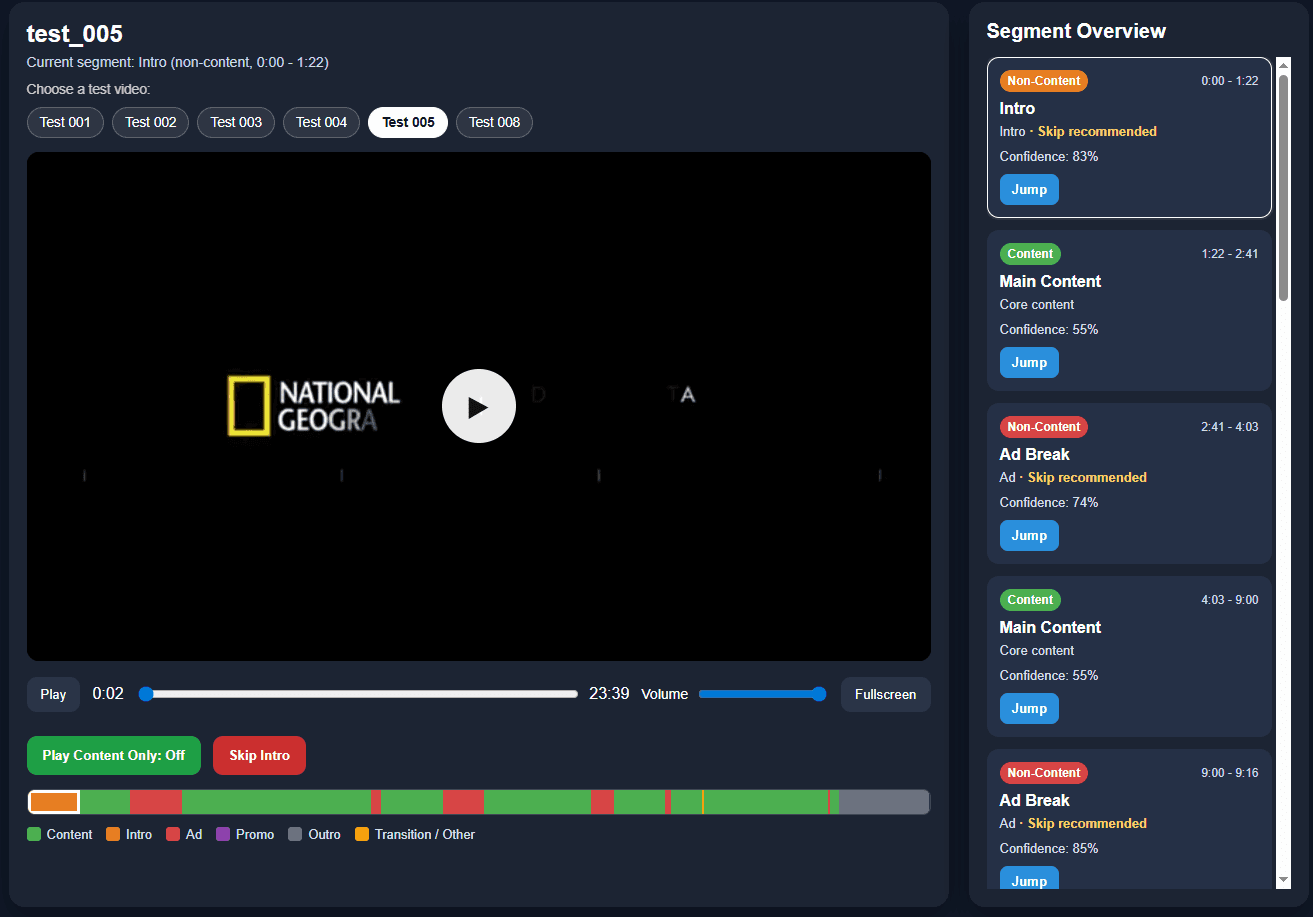
Interactive Video Segmentation Player
Designing an AI-powered video player that makes long videos easier to understand, navigate, and control
Agentic Code Review Research
Studying how junior developers understand, trust, and verify AI-generated code review feedback.